Custom software · Fairbanks, Alaska · working anywhere
Software for the work you’re still doing by hand.
We build custom tools, automation and full products, wherever they need to run: in the cloud, on your own server, on a phone or offline. We start from the job, not the tech, and hand over something that keeps working.
- In the cloud
- On your own server
- On a phone
- Offline
- On the desktop
- Live, in real time
Sound familiar?
If it’s done by hand every week, it can probably be built.
Slow work is rarely about lazy people or the wrong app. It’s a workflow problem: information that has to be carried from one place to another by somebody, over and over.
- Mon 08:00The weekly report someone rebuilds by hand, from four exports.fixable
- DailyOrders copied out of email and typed into the system, one by one.fixable
- AlwaysA spreadsheet with rules only one person understands.fixable
- UsuallyReminders that go out if somebody remembers to send them.fixable
- Per clientThree apps that each hold a third of the customer.fixable
- Since 2019The tool everyone hates and nobody can replace.fixable
What we build
Seven kinds of software. One way of working.
Every one of these is backed by something we’ve actually shipped.
Workflow automation and integrations
The work that happens between your apps, done without anyone copying and pasting.
Seen inCenterSuite, Web Messaging
Internal tools and business apps
The tool your team actually needs, instead of a spreadsheet nobody dares to touch.
Products and platforms
Software you sell, with accounts, billing and releases that don’t break anyone.
Self-hosted systems
Software that runs on your own hardware, under your control, with your data at home.
Offline, standalone and phone-first apps
Apps that open instantly, work without a signal and don’t need an app store.
Real-time and multiplayer
Shared screens that stay in step, where the server keeps everyone honest.
AI that earns its place
Language models where they help, with plain arithmetic underneath so nothing depends on them.
Seen inFantasy football draft assistant, Self-hosted voice assistant
Featured work · Live, with paying customers
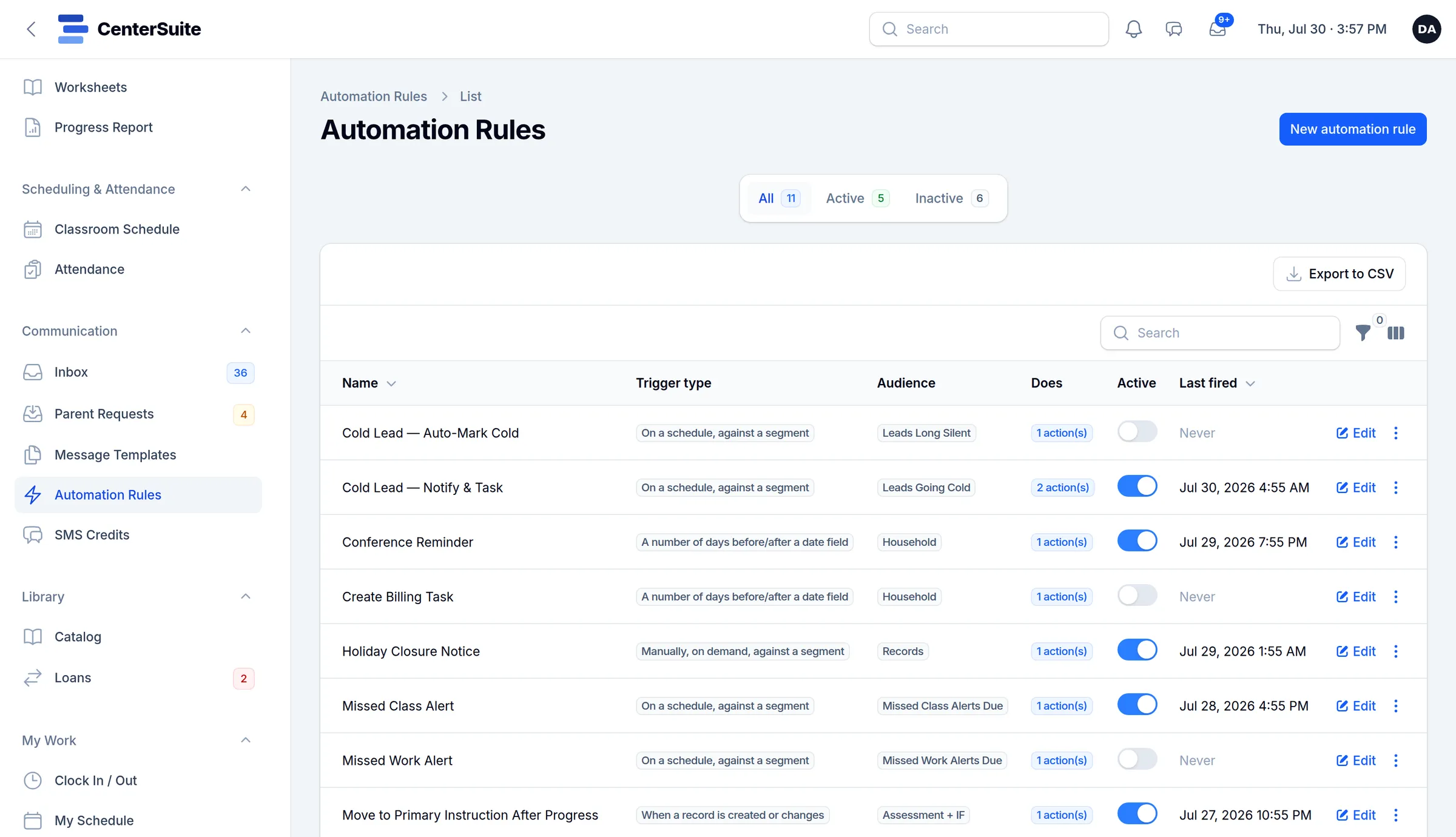
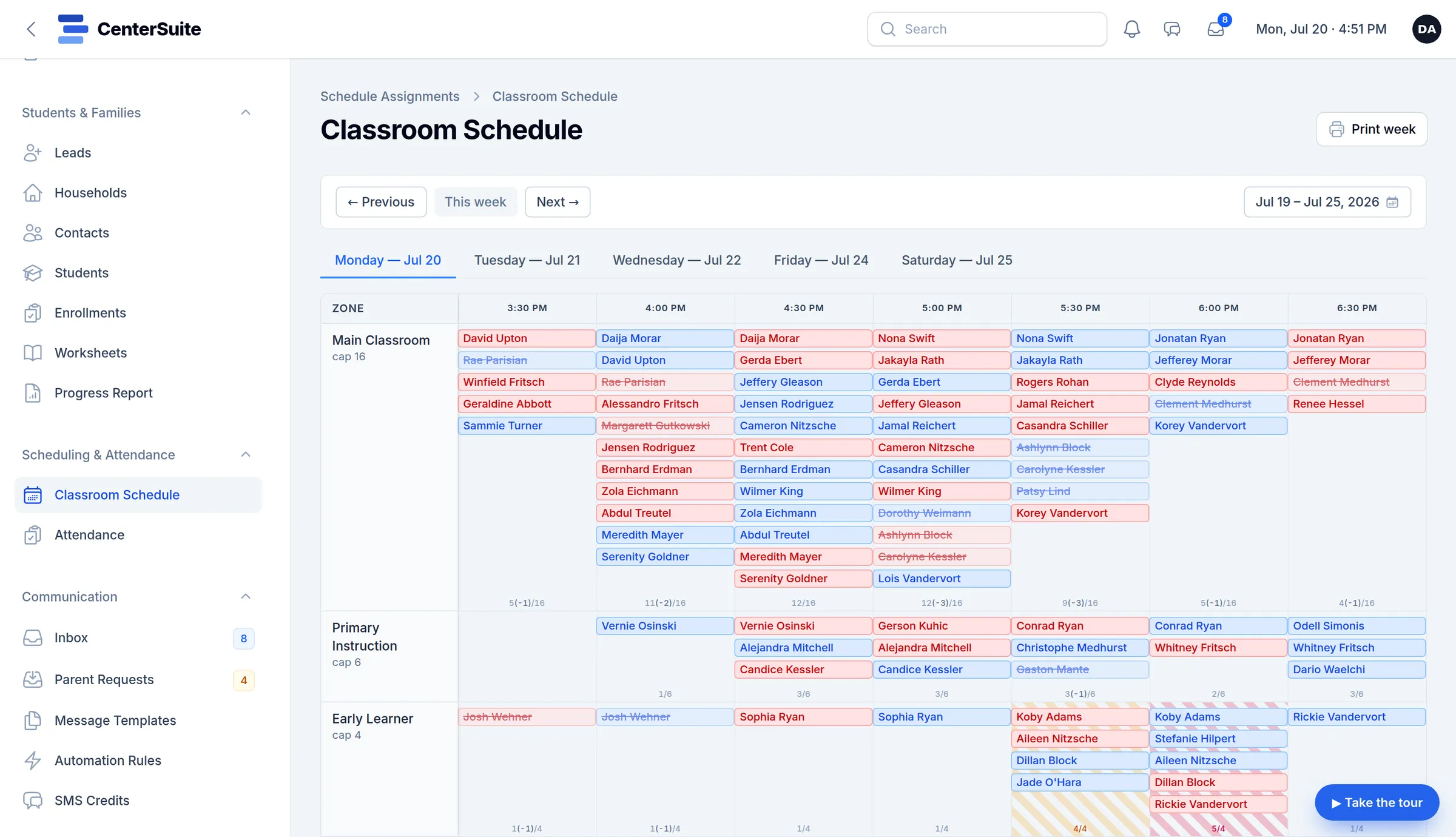
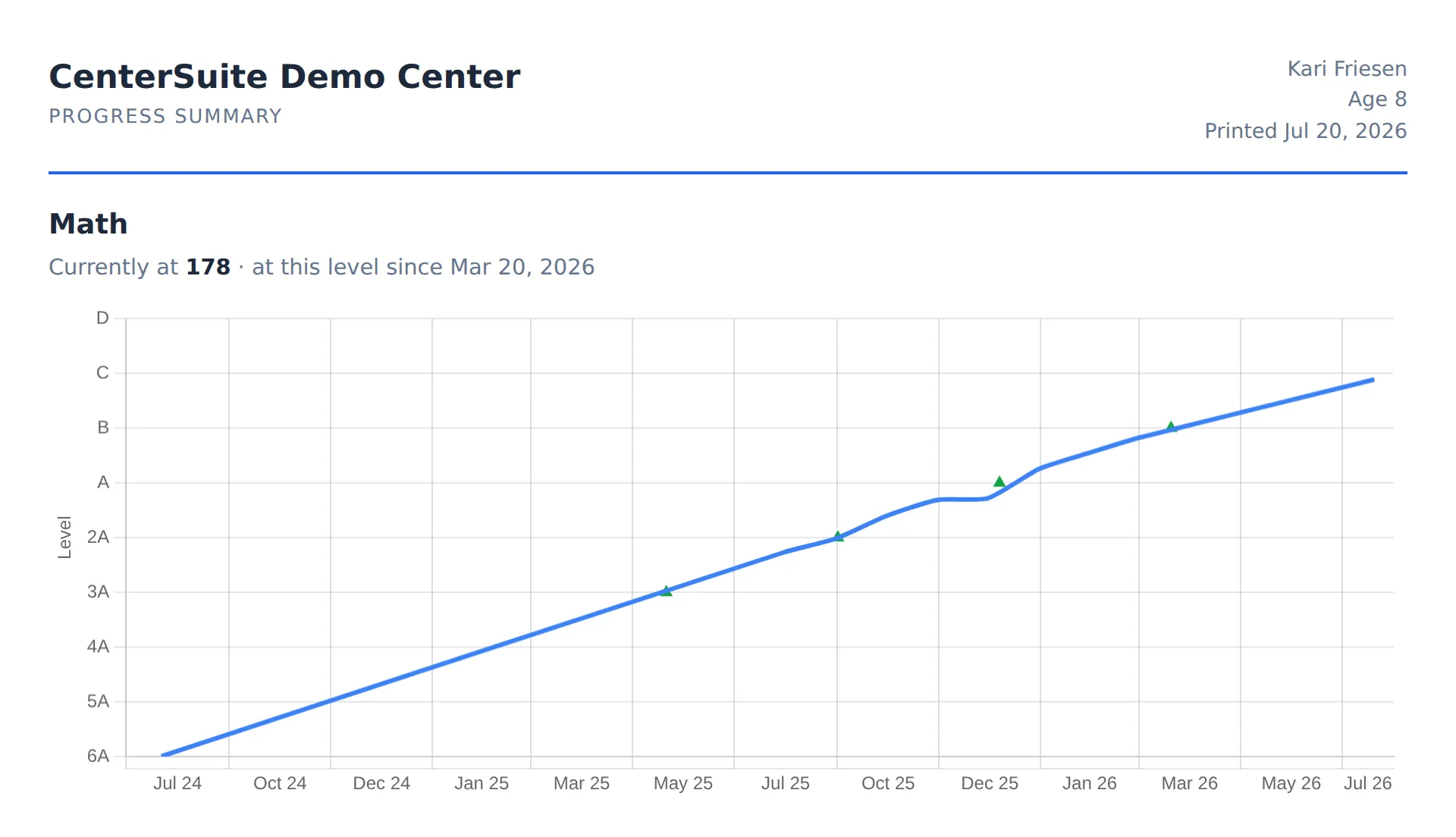
CenterSuite: one product that runs a whole learning center.
Families, schedules, attendance, progress reports, texting, staff hours and billing, in one place instead of six. Each center gets its own address and its own database, and the rules send reminders and follow-ups on their own.
- 10
- kinds of center on one product
- ~6,500
- automated tests
- 1
- separate database per center
- ~2 wks
- between releases
Web app · messaging
Web Messaging
iMessage on any computer, even a locked-down one.
A browser, a relay server and a small agent on a Mac
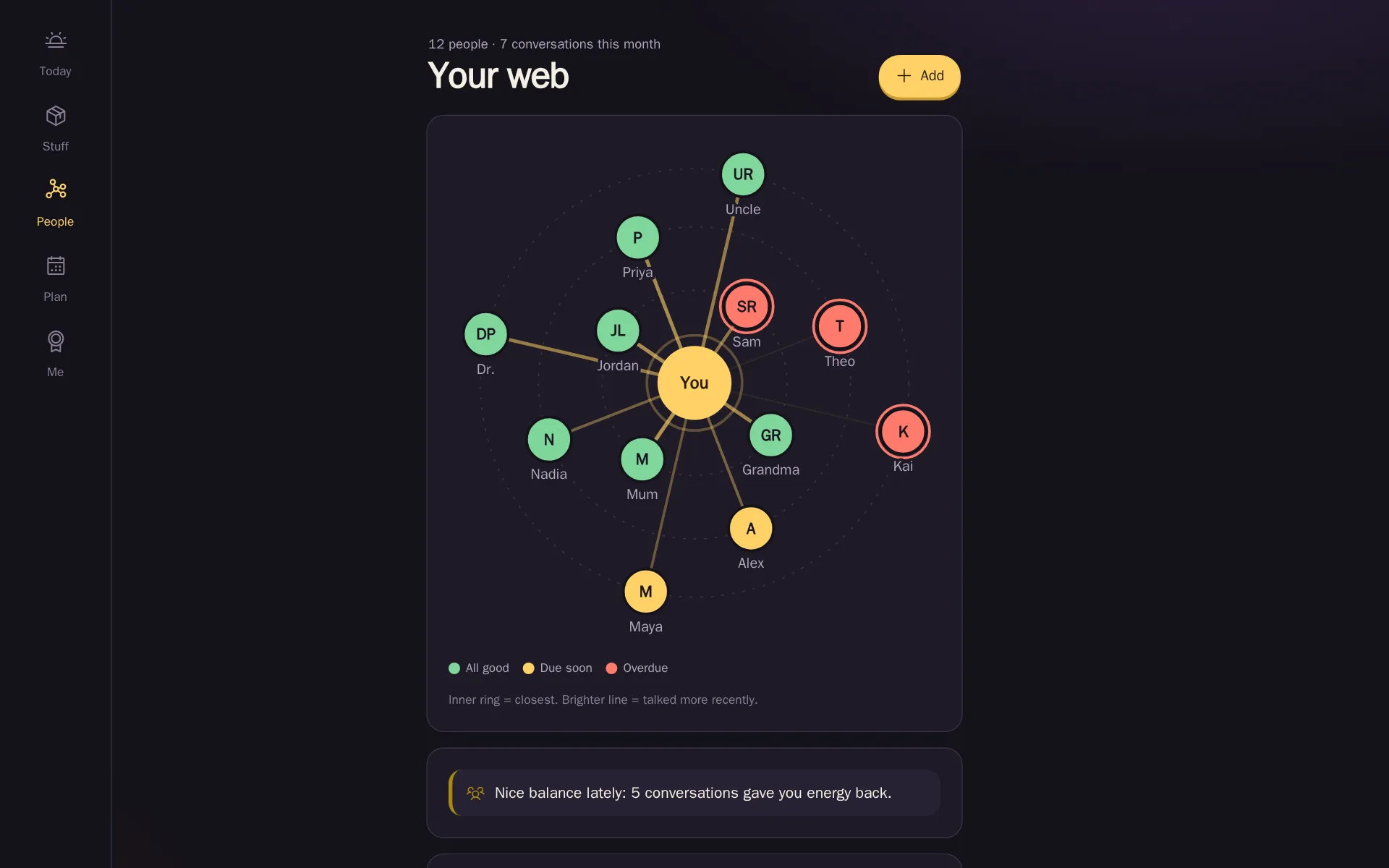
App · phone-first, offline
The Modern Person
Keep an ADHD life on track without another account to sign up for.
On the device, in one file, offline
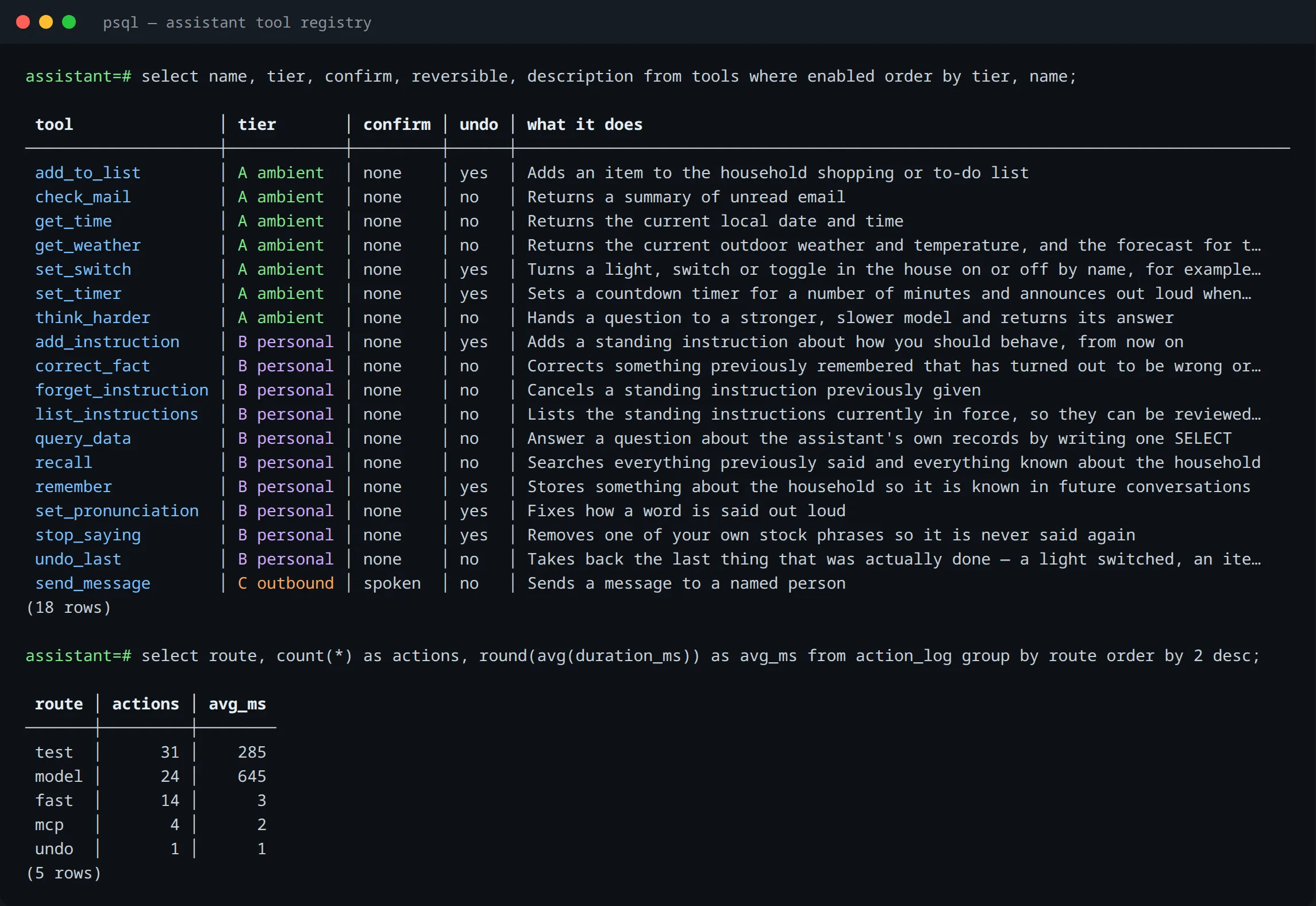
Personal project · voice and AI
Self-hosted voice assistant
A kitchen-counter assistant that doesn’t live in someone else’s cloud.
On its own server at home
How it goes
Small stages, real progress every week.
- 01
Watch the work
We sit with the job as it really happens, workarounds and all, before anyone talks about software.
- 02
Prove the hard part
The riskiest piece gets built first, small and working, so surprises turn up early and cheaply.
- 03
Ship in stages
You use each stage as it lands. Every week there’s something real to look at, not a status report.
- 04
Keep it running
Tests, backups, monitoring and documentation, so it still works next year, with or without us.
Built to keep working
Software people rely on has to survive Tuesday.
The interesting part of a system is what happens when something goes wrong. These are the habits that make ours boring in the best way.
Tested where it counts
Automated tests on the parts that would hurt if they broke, so a new release is routine, not a gamble.
CenterSuite: around 6,500 tests, a release every couple of weeksBackups you’ve actually restored
A backup nobody has restored is a hope. Ours are tested by restoring them, on a schedule.
CenterSuite: nightly encrypted backups, a monthly restore drillFails gracefully
When one piece goes down, the rest keeps working. AI explains; ordinary code does the arithmetic.
Draft assistant: keeps working if the AI doesn’tUndo is a feature
People make mistakes, and so do voice commands. Actions that can be undone get an undo.
Voice assistant: undoes what it just didThe server is the referee
Rules and permissions are checked where nobody can tamper with them, not just on screen.
Anagrid: the server checks every word and every tileFast on a bad connection
Open from what’s already on the device, then fetch only what changed. Nothing waits on outside servers.
Web Messaging: opens instantly, works on locked-down PCs
Notes
Notes from the workbench.
- When a spreadsheet should become an appSpreadsheets are brilliant until they quietly become the system your business runs on. Six signs it’s time, and what to keep when you move.
- Self-hosted, cloud or on-device: where software should runWhere a piece of software runs shapes its cost, its privacy and what happens when the internet drops. How we choose, with three real examples.
- Software that fails gracefullyEvery system breaks somewhere. The good ones keep working when a piece fails. Four habits we build in, and where they’ve saved the day.
Next step
What’s the job you’d like to stop doing by hand?
Describe the problem in a few sentences. Within one working day you’ll hear whether software would fix it, roughly what it would take, and what we’d look at first.